
For wedding & event planners
Every guest leaves with your name on their favorite memory.
Turn the photos from any event you plan into a cinematic keepsake. Your client shares it with everyone who was there, and every one of them sees your logo, your colors and a button back to you.
How it markets you
One event. Everyone who was there.
A gallery link gets opened once. A Trail gets passed around: to the parents, the wedding party, the friends who couldn't make it. That's dozens of people who care about weddings, all seeing who made the day happen.
You add the photos
Drop in the photographer's selects, your team's phone shots, or both. Up to 150 photos and 20 short clips.
It drafts itself
The AI sorts the day into chapters, writes the captions, picks music and builds a trailer video, in a few minutes.
Your client approves
Send it from your dashboard. They can ask for changes or approve it with one tap.
Everyone shares it
Guests open it, add their own photos and notes, and land on your button at the end.
Your brand, everywhere it travels
Your name goes everywhere the Trail goes.
No "made with" badge and no one else's logo. Your clients only ever see you.
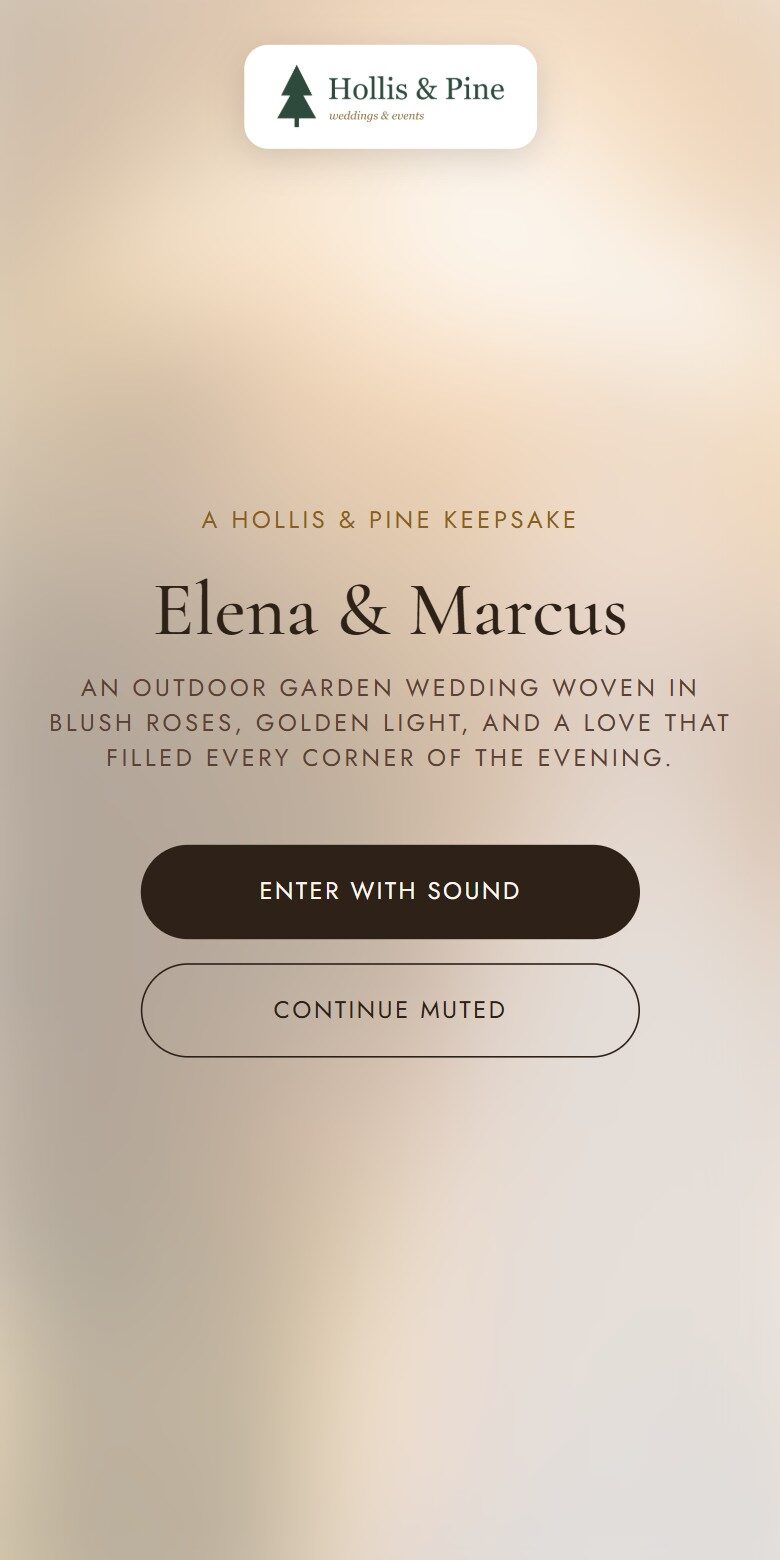
On the cover
Your logo opens every Trail, above your own kicker line.
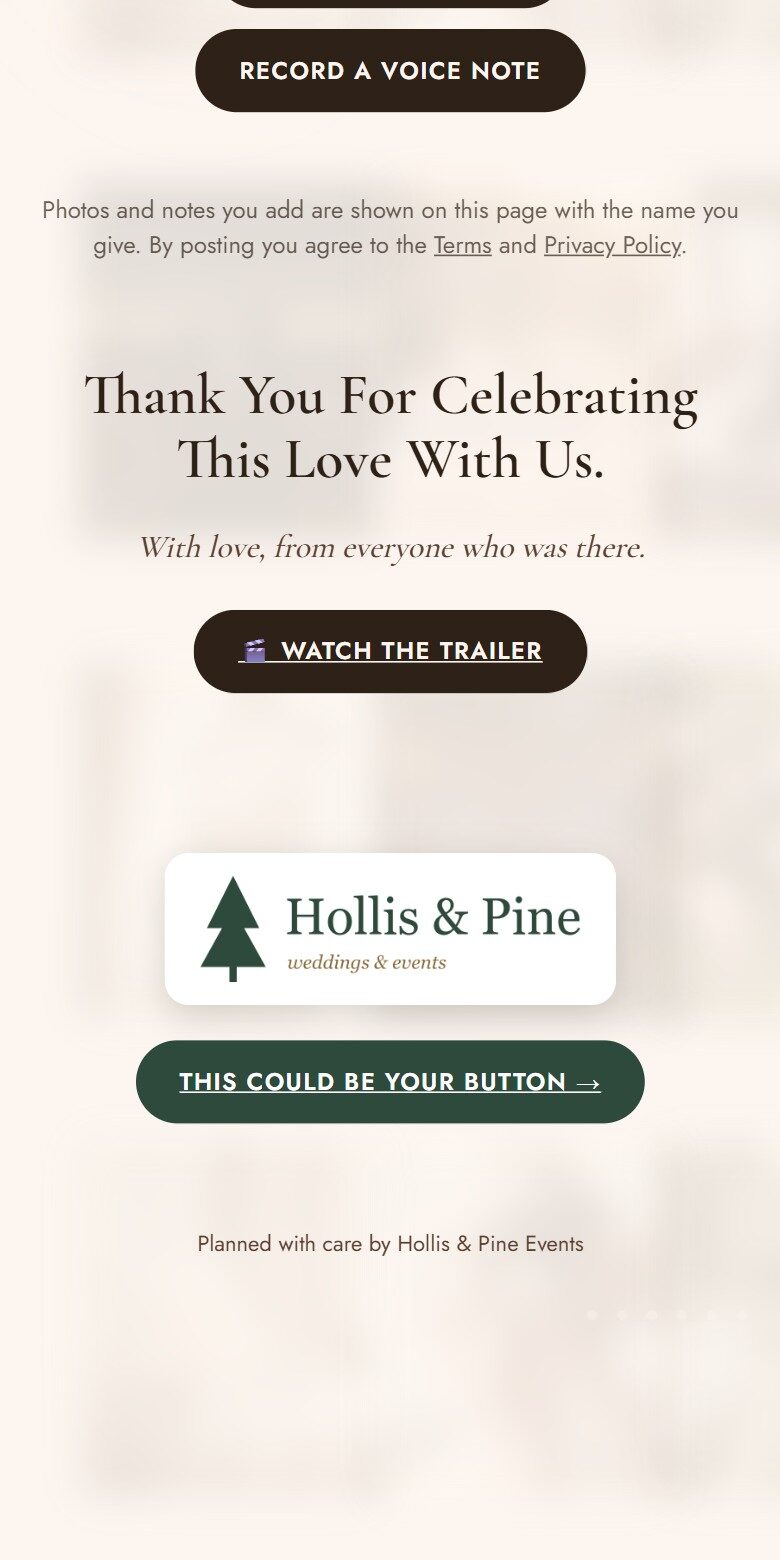
At the end, a button to you
In your brand color, linking wherever you like: your site, your inquiry form, your Instagram.
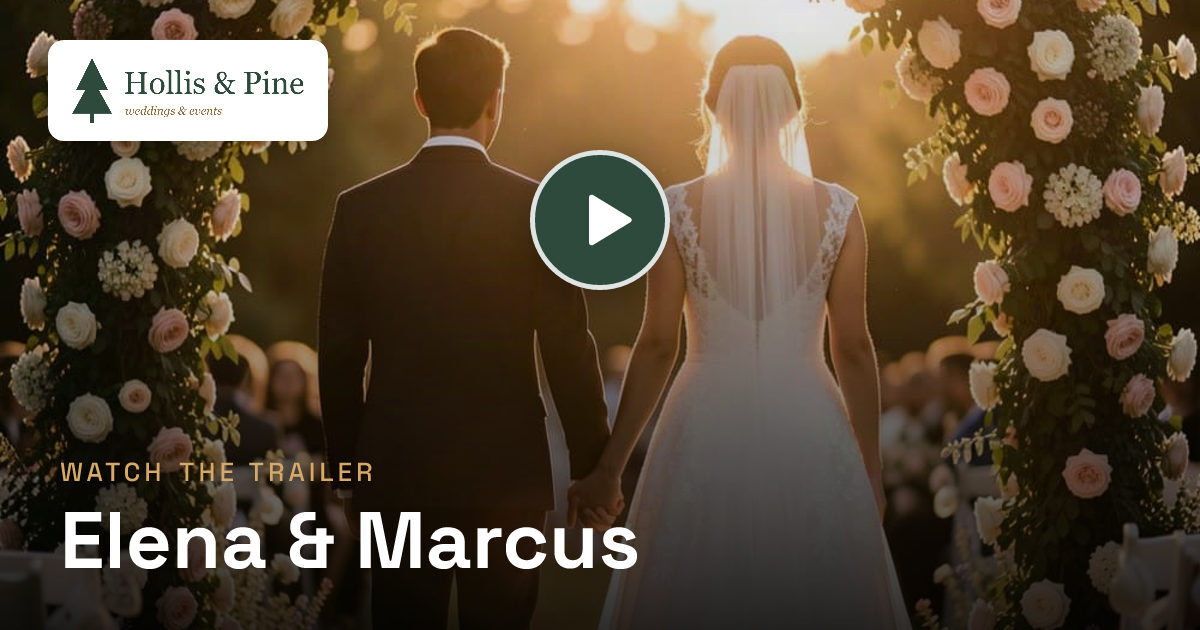
In every text and group chat
The link preview carries your logo, so it's yours before anyone taps.
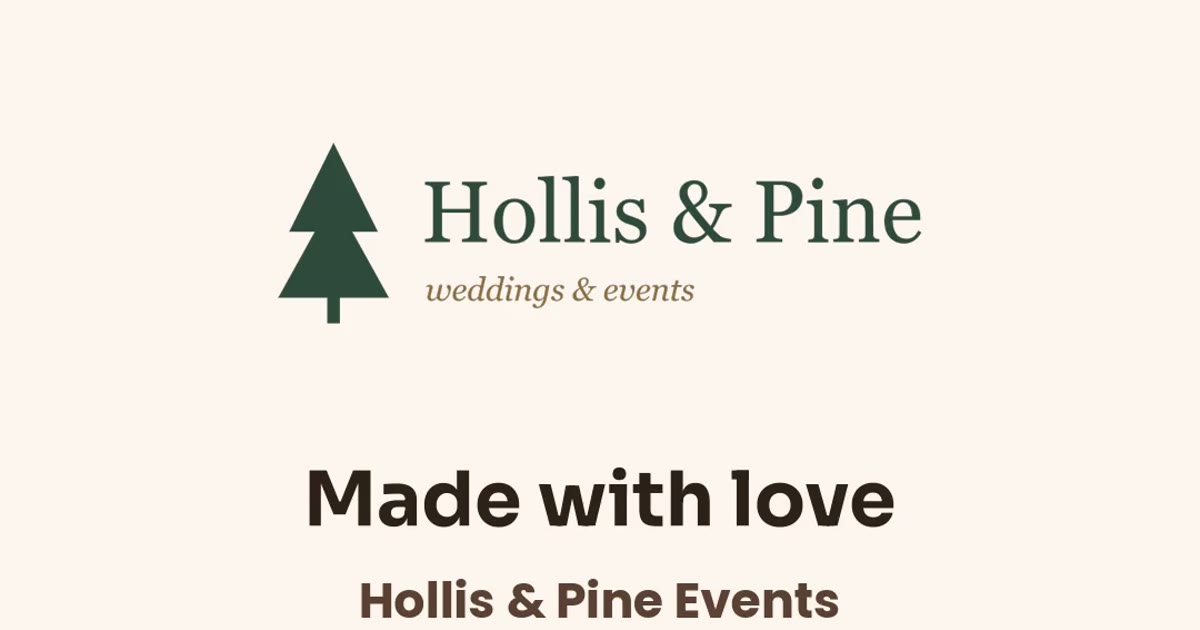
On the trailer video
The short video people post to social ends on your logo and your name.
Built for how you work
Made for a busy season, not one event.
All your Trails in one dashboard
Every event in one place, with where each one stands: drafting, waiting on the client, or live.
Send to your client, with approval
They get an email with their Trail. Turn on approval and nothing goes public until they say yes.
Proof it's working
For every Trail: how many guests it reached, how many photos and notes they added, and how many clicked through to you.
Your whole team
Everyone signs in with their own email. Owners handle branding and the team, everyone can build.
See a real one
Walk a planner's Trail.
This is a real Trail, built the same way yours would be: upload, AI draft, publish. It's branded for Hollis & Pine, a sample planner we made up for the demo.
Free pilot
Try it on your next few events.
We're opening Trove to a small group of planners first. Tell us a little about your business and we'll get you set up.
- We set up your account and branding with you.
- We build your first Trail together, from one of your real events.
- No cost during the pilot, and no card needed.
Questions
Good to know
Will my clients see anyone else's branding?
No. Your Trails show your logo, your colors, your footer line and your button. There's no "made with" credit on them, and the link previews and trailer videos carry your brand too.
How much work is each Trail?
Upload the photos and press build. The AI draft takes a few minutes and covers the chapters, captions, music and a trailer video. You can adjust anything before you send it to your client.
Where do the photos come from?
Whatever you have: the photographer's gallery, your team's phone photos, or both. Short video clips work too. Guests can add their own photos once it's shared.
Can a Trail be kept private?
Yes. Any Trail can have a passcode, so only people with the code can open it. Location data is stripped from every uploaded photo.
What does it cost after the pilot?
Pricing for planners isn't set yet. We're building it with the planners in the pilot, and nothing you make during the pilot goes away.