✦ Smart Gallery

You finish the job.
The job keeps working.

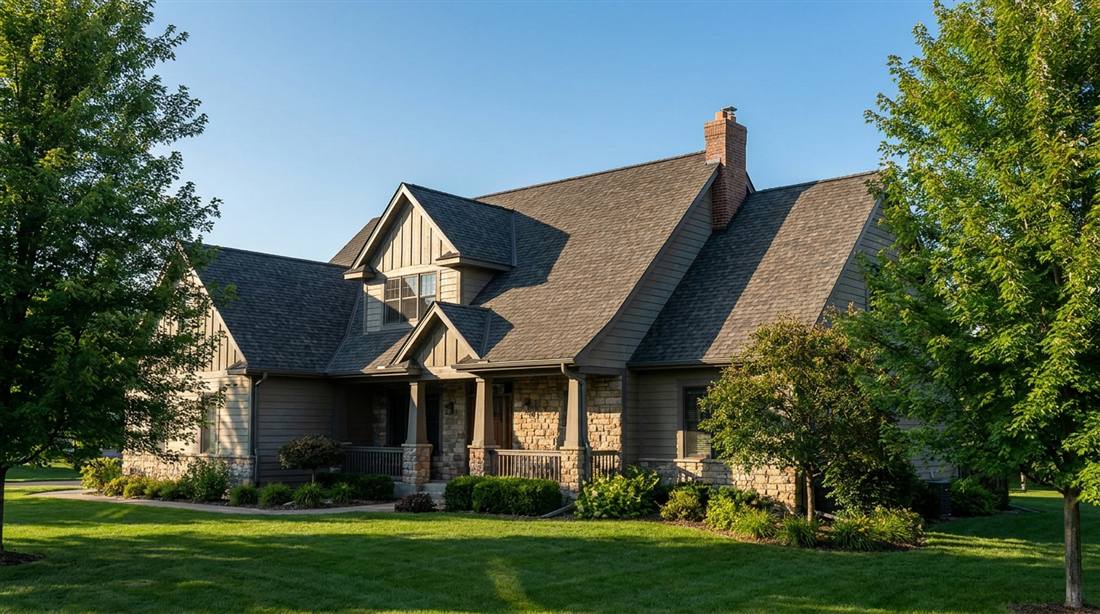
Snap one photo. Claude AI puts it in your gallery, writes up the project like a story worth reading, and builds you a page for every town you work in. You never type a word.

roof-job-andover.jpg
one photo. three jobs.
Project Write-up
A real project story, drafted for you. You just approve it.
Service Area Page
yourbusiness.com/service-areas/andover
A page for the town this job happened in.
Sound familiar?

The old way costs you jobs.

Problem 01
We finished 8 jobs last month. The website still shows 3 from last year.
→ New photos are live in 60 seconds, not 6 weeks.
Problem 02
I called my web guy to update the gallery. Two weeks and $200 later, done.
→ You do it yourself, anytime, from your phone. No tech knowledge needed.
Problem 03
Everyone says I should blog and have pages for each town. I'm a painter, not a writer.
→ You won't write a word. You'll just hit Approve.
How It Works

Three steps.
No tech knowledge needed.

01
📸
Drag your photo
Open your private admin page on any device. Drag in a photo from your phone right after a job — no computer needed.
02
AI does the work
Claude AI reads the photo, picks the right category, writes SEO alt text with your business name and city, and assigns a search-friendly filename.
03
🚀
It multiplies
That one photo updates your gallery, drafts a project write-up, and credits the town it happened in. You approve, it publishes.
✦ New — Project Write-ups

Your work speaks for itself.
Now it writes, too.

Finish a job and Claude looks at the photos — actual details, not generic filler — and drafts a short project story. Review it, edit it if you want, hit Approve. It publishes to your site with the SEO tags already built in.

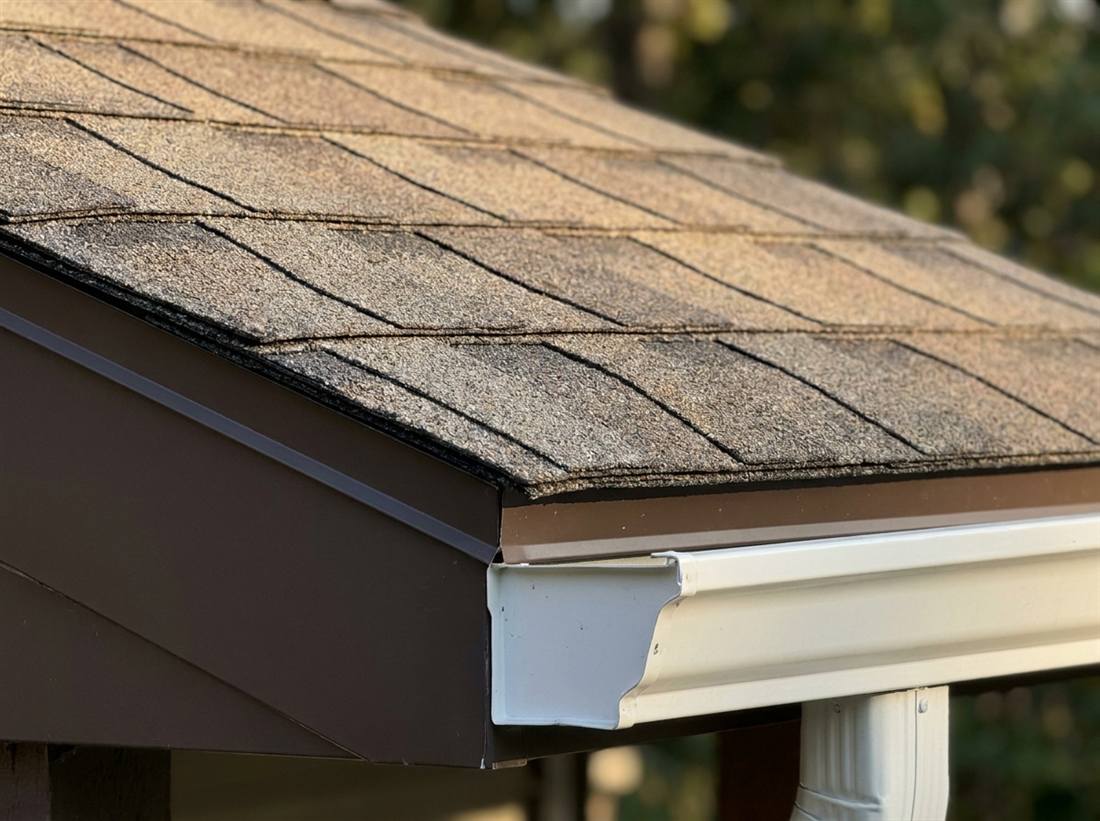
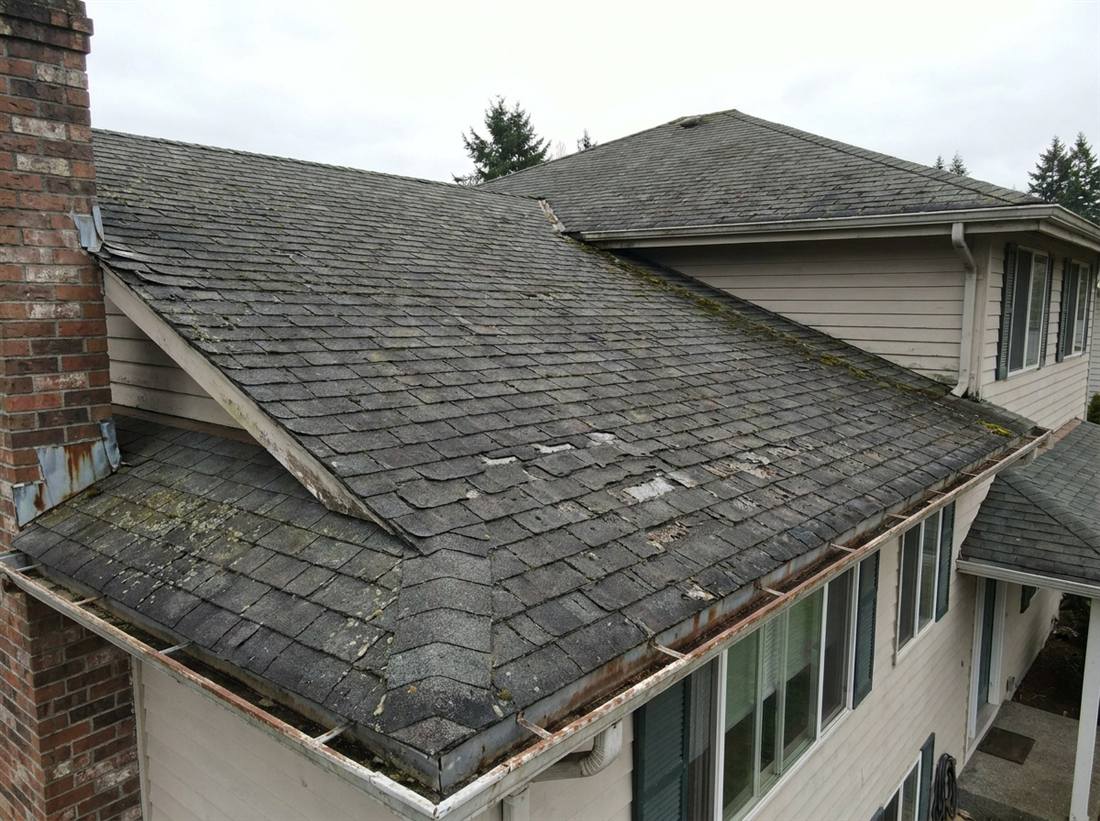
New roof installation, Andover MN — architectural shingles Worn roof before replacement, Andover MN Close-up of new architectural shingle roofline
Draft — awaiting your approval
New Roof in Andover: Weathered-Wood Architectural Shingles
This Andover re-roof replaced worn three-tab shingles with a weathered-wood architectural profile, paired with a full synthetic moisture barrier and upgraded ridge venting. The steep, multi-plane roofline made for a longer install — but the layered shadow lines it gives the shingles were worth it…
It noticed the shingle color and moisture barrier itself — we didn't tell it. Nothing publishes until you say so.
✦ New — Service Area Pages

Do three jobs in a town,
and the town gets your page.

Photos carry the location of the job. Once you've got 3 or more finished jobs tagged in a town, that town earns its own page — with local copy Claude writes, built to show up when someone there searches for you. Work in five towns? That's five pages working for you.

Andover, MN 4 jobs Page live
Blaine, MN 3 jobs Page live
Coon Rapids, MN 2 jobs 1 more to unlock
yourbusiness.com/service-areas/andover
Roofing in Andover, MN
Serving Andover and Anoka County homeowners with roof replacements built for Minnesota winters — ice-dam-rated underlayment, steep-slope safety rigging, and a crew that's re-roofed more Andover homes than anyone else in the county.
It named the real county on its own. You still approve before it's public.
What's your year worth?
Rough estimate for illustration — actual write-up and page counts depend on your real photos and job locations.
✦ New — Smart Catalog, Menu & Events

Same engine. Not just photos anymore.

The AI that sorts your gallery photos can just as easily run a priced catalog, a restaurant menu, or an event calendar. Toggle on whichever your business needs — same portal, same login, no new tool to learn.

🏷
Smart Catalog
Products or services, priced. Photo grid, price list, featured + grid, or category tabs.
🍽
Smart Menu
A full restaurant or bar menu. Sectioned, photo grid, two-column, or tabbed by category.
📅
Smart Events
Upcoming events, specials, or classes. Timeline, calendar grid, or featured list.
📋 Bulk scan — reading your price sheet…
Photograph the whole menu. Skip the typing.
One photo of a full menu or price board, and Claude reads every line — name, price, description — into an editable list. Fix anything that's off, then approve. Nothing commits until you do.
Also included

The little stuff we sweat.

👁
Review before it's public
Want a look before it goes live? Flip one switch. Off by default.
🔁
Catches duplicates
Phone synced the same photo twice? We ask before adding it again.
📊
See what gets looked at
A simple count of which photos and jobs visitors actually click on.
🗂
Organize in bulk
Select ten photos, move or delete them in one drag. No one-at-a-time busywork.
Pricing

Less than one maintenance call.

Your developer charges $150–200/hr to add photos manually. The Smart Gallery costs less than one of those calls — setup is a one-time fee, then a flat monthly rate with no per-upload charges.

Smart Gallery
$299 one-time setup
then $29/month — storage, AI processing & support
Annual option: $249/year (save $99 · ~$20.75/month)
Everything included. No tiers, no upsells.
  • Drag-and-drop admin page — works on any phone or computer
  • Claude AI auto-categorizes every photo into the right collection
  • SEO alt text and search-optimized filename written per photo
  • Claude drafts a project write-up from any finished collection — you approve before it publishes
  • Automatic service-area pages for every town with 3+ tagged jobs
  • Optional Smart Catalog, Menu, or Events blocks — same setup, same portal login
  • Duplicate detection, click stats, and bulk organizing tools
  • Optional approval queue — hold new photos until you review them
  • Gallery style matched to your industry during TCBB setup
  • Unlimited uploads — no per-photo fees, ever
Add to My Website →
It all lives in your private TCBB Portal — one login for your gallery, your pages, and everything else we run for you. See the full Living Site Program →
Questions

Quick answers.

Not at all. If you can send a photo on your phone, you can use the Smart Gallery. Open your admin page, drag in a photo, and it handles everything else — categorization, SEO text, going live on your site.
No. For project write-ups and service-area pages, Claude drafts the copy for you. You just review it, edit it if you want, and hit Approve. Nothing publishes on its own.
Yes. There's a switch that holds new photos for your approval before they go public. It's off by default — turn it on if you want that extra checkpoint.
From the location tagged on your photos. Once you've got 3 or more finished jobs tagged in a town, that town earns its own page — and just like everything else, you approve it before it goes live.
Nothing changes. Your current site and existing photos stay exactly as they are. TCBB adds the Smart Gallery as a new section during setup — typically takes less than a day and requires no downtime.
Yes. During setup, you tell us what categories make sense for your business — Kitchen Remodels, Exterior Work, Before & After, whatever fits. The AI is configured to match them, and you can request changes anytime.
It's rare — Claude Vision is accurate. But if it happens, just delete the photo from your admin page and re-upload it. You're in control. Nothing is permanent until you decide it is.
Yes — it's designed exactly for TCBB-built sites. Setup takes about a day and doesn't require any downtime. If you already have a TCBB website and want to add the Smart Gallery, just reach out.
Yes. The same AI engine can run a priced catalog, a restaurant menu, or an event calendar instead of — or alongside — a photo gallery. Toggle on whichever blocks fit your business during setup. You can even photograph a whole menu or price sheet at once and Claude will read every line item for you to review.

Your last five jobs could be
selling for you by Friday.

$299 setup · $29/month · No contracts · Cancel anytime